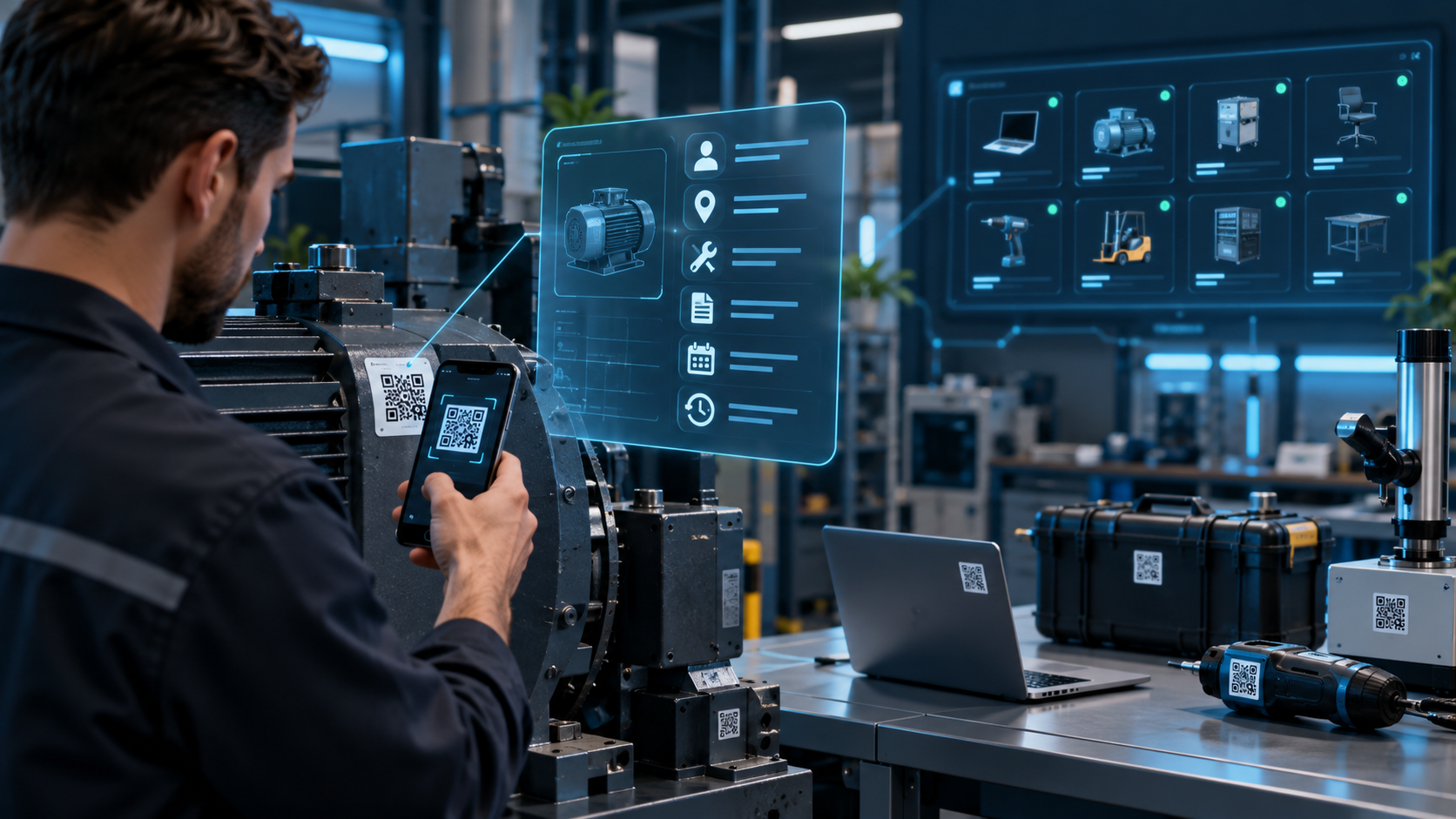
What Is a B2B Customer Portal? A Guide for Manufacturers and Wholesalers
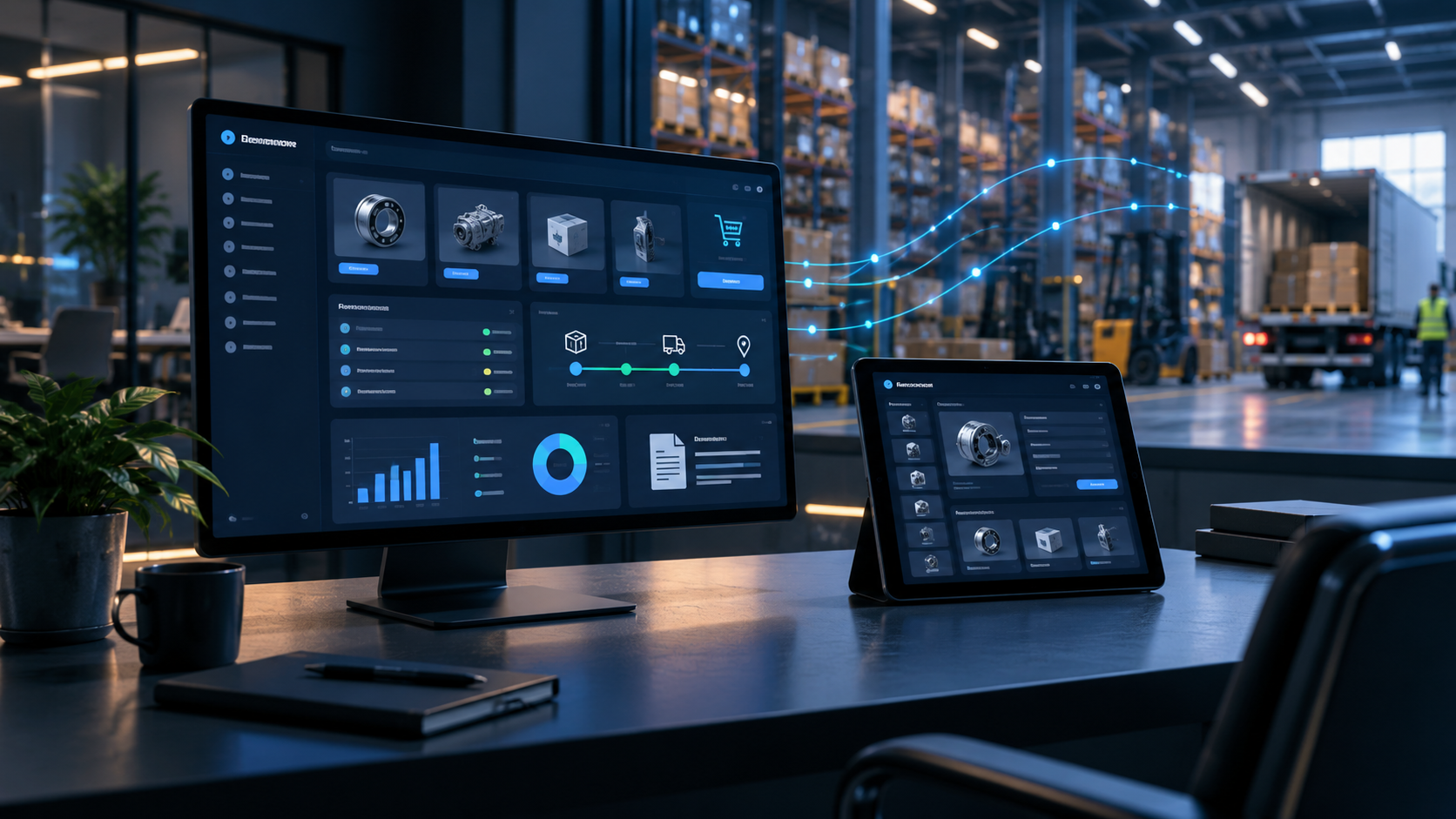
What Is a B2B Customer Portal?
Manufacturers, distributors and wholesalers often receive the same customer requests every day.
“Is this item available?”
“Where is our order?”
“Can you send our current price?”
“Could you resend last month's invoice?”
“We need to reorder the same products.”
Each request may take only a few minutes, but the workload grows quickly when a sales or customer-service team supports dozens or hundreds of business accounts.
A B2B customer portal provides authenticated customers with secure access to the information and transactions associated with their account.
It is essentially a controlled digital window into selected business systems.
Instead of asking an employee to retrieve routine information, customers can perform suitable tasks themselves while the sales team remains available for negotiations, exceptions and relationship management.
Is a B2B Portal the Same as an E-Commerce Website?
Not exactly.
A typical consumer e-commerce store presents broadly consistent products and prices to shoppers.
B2B relationships often operate under account-specific rules.
Individual customers may have different:
- contract prices,
- discounts,
- payment terms,
- product permissions,
- order limits,
- delivery addresses,
- credit arrangements.
A B2B portal therefore needs to understand who the user represents before displaying commercial information.
Customer A may see one price while Distributor B sees another because their contracts are different.
If the ERP is the authoritative source for those prices, the portal should retrieve or synchronize the correct data rather than maintain uncontrolled copies.
Which Features Should a B2B Customer Portal Include?
There is no universal feature list. The right scope depends on how customers currently interact with the business.
Several modules, however, are particularly common.
1. Account-Specific Catalog and Pricing
After signing in, buyers can see products available to their organization together with the appropriate commercial terms.
This is particularly useful for manufacturers and distributors with negotiated price lists.
2. Inventory Availability
Customers can check whether a product is available without contacting a sales representative.
That does not necessarily mean exposing an exact warehouse quantity.
Depending on the business model, the portal might display:
- Available,
- Limited availability,
- Made to order,
- Expected on a particular date.
The right level of transparency should be a commercial decision, not merely a technical one.
3. Online B2B Ordering
Authorized users can create an order from the portal.
With the appropriate ERP integration, that transaction can flow directly into the internal order-management process instead of being copied manually from an email.
This reduces duplicate data entry and creates a clearer audit trail.
4. Order and Shipment Tracking
Customers can view open and historical orders along with meaningful status information.
A manufacturer might expose a workflow such as:
Received → Confirmed → In Production → Ready → Shipped → Delivered
Current B2B self-service offerings from SAP emphasize direct access to order details, delivery information and invoices, while manufacturing-focused portal products similarly expose order and shipment status from ERP data.
5. Invoices and Business Documents
Customers may need access to invoices, order confirmations and other account documents.
Manufacturing businesses can extend this to technical material such as:
- product specifications,
- certificates,
- installation guides,
- compliance documentation.
This can reduce routine document requests while ensuring customers receive the current approved version.
6. Reordering
Repeat purchasing is common in B2B.
Rather than searching for every product again, customers can open a previous order, adjust quantities and create a new request.
This is a relatively simple feature that can significantly improve usability for frequent buyers.
How Does a B2B Portal Integrate with an ERP?
One of the most important architecture decisions is determining which system owns each type of data.
If an ERP already manages customers, products, prices, inventory and orders, creating a second independent source of truth inside the portal can introduce synchronization problems.
A simplified architecture could look like:
ERP → API / Integration Layer → B2B Portal → Customer
When a customer creates an order, information travels in the opposite direction:
Customer → B2B Portal → API → ERP
The integration layer can handle authentication, validation, data transformation, retries and logging.
SynapTech's ERP and CRM offering includes integrations with e-commerce systems and third-party APIs, while its web-development services include secure enterprise web applications.
Does Everything Need Real-Time Synchronization?
No.
Real-time architecture should be driven by the business requirement.
For a fast-moving warehouse, inventory availability may need to be updated immediately or within a very short interval.
A technical PDF may only change occasionally.
Applying the same synchronization strategy to every data type can create unnecessary complexity.
For each integration, define:
- Who owns the data?
- How quickly can it become stale?
- What happens if the source system is unavailable?
- Can customers continue using the portal with cached information?
- Which operations must never be duplicated?
These decisions have a significant impact on reliability.
Security and Account Isolation Are Essential
A B2B portal handles commercial information that should not be public.
Customer A must never gain access to Customer B's prices, invoices, orders or account information.
Authentication alone is therefore insufficient.
Authorization should be applied at the data and operation level.
A company may also require multiple roles within the same customer account.
For example:
- a buyer can create orders,
- a finance user can access invoices,
- a manager can view both,
- an administrator can manage users.
Critical actions should be logged so that the organization can determine who performed an operation and when it happened.
When Does a B2B Customer Portal Make Sense?
A portal is worth evaluating when several of the following conditions apply:
- You have many repeat business customers.
- You operate through dealers or distributors.
- Customers regularly ask for stock or pricing information.
- Orders arrive through email, messaging apps or spreadsheets.
- Employees manually re-enter orders into an ERP.
- Order-status and invoice requests consume significant staff time.
- Commercial terms differ by customer.
A portal may be less urgent for a company that serves a small number of clients through highly consultative, project-based sales.
The decision should be based on transaction patterns rather than the desire to “have a portal.”
Start with the Smallest Useful Portal
Trying to reproduce every ERP feature in the first release is a common mistake.
Start by identifying which customer interactions consume the most internal time.
If customers primarily call for order status and invoices, an initial release might contain only:
- Secure account access
- Order history and status
- Invoice and document access
- Basic account information
Online ordering, contract pricing or advanced reporting can follow later.
This staged approach makes adoption easier to measure and reduces the risk of spending months developing features customers rarely use.
SynapTech's web-software service already identifies customer and supplier portals, B2B/B2C platforms, authorization and third-party integrations among its supported project types.
How Should Portal Success Be Measured?
Logging in is not the business objective.
Measure whether the portal changes the underlying workflow.
Useful metrics can include:
- percentage of orders submitted through the portal,
- change in manually entered orders,
- number of order-status calls and emails,
- invoice/document requests,
- percentage of active customer accounts,
- integration failure rate,
- average time required to place an order.
These measures help distinguish a portal customers genuinely use from one that merely exists.
Frequently Asked Questions
Can a B2B customer portal connect to our existing ERP?
In many cases, yes. The approach depends on the APIs or supported data interfaces provided by the ERP and on which information needs to move between systems.
Do we need a mobile app as well?
Not automatically. A responsive web application can work across desktop, tablet and mobile browsers. A dedicated app should be considered when the use case requires capabilities or engagement patterns that justify it.
Should customers see our exact inventory quantities?
That is a business decision. Some companies expose exact quantities, while others display availability bands or expected lead times.
Can different customers have different prices?
Yes. A properly designed portal can apply account-specific price lists or retrieve customer-specific pricing from the authoritative ERP or pricing system.
Should we buy a portal product or develop a custom one?
Standard requirements may be served well by an existing platform. Custom development becomes more relevant when pricing, production, approval or dealer workflows are specific to your business and cannot be represented reliably in a standard product.
A B2B portal project should begin with a workflow question rather than a technology choice: which customer interactions are unnecessarily manual today? SynapTech can map those workflows against your existing ERP, CRM and operational systems, then design a focused portal that starts with the highest-value self-service functions and expands as adoption grows.